
What Is a Washington County Court Docket
A docket is the dated list of every event in a court case. Oregon courts often call it the register of actions. It records each filing, motion, hearing, order, notice, and disposition in the order they happen. The docket does not hold the full text of those documents. It is the index, not the file. A line might read that a motion was filed, a hearing was set, or a judgment was entered, with the date attached. Reading the docket top to bottom is the fastest way to see how a case moved through the Circuit Court.
The docket differs from a court calendar. A calendar lists upcoming hearings by date and courtroom, so it answers when a case will be heard. A docket answers what has already taken place. The Oregon Judicial Department, or OJD, runs separate tools for each. Circuit and Tax Record Search shows case history. Circuit and Tax Court Calendars show the hearing schedule. Both cover Washington County Circuit Court, the trial court for the 20th Judicial District.
Some matters never reach an open docket. OJD states that adoption, juvenile, mental health, and Violence Against Women Act cases are not provided through the public records and calendar service.
How to Find Washington County Dockets Online
The starting point is the OJD Records and Calendar Search page. It links the case record search, the court calendars, the appellate record search, and the paid OJCIN Online service in one place. For a case history, choose Circuit and Tax Record Search. For a hearing schedule, choose Circuit and Tax Court Calendars. Basic public docket data is free. Have a case number ready if you can, since it returns the cleanest result.
- Open the OJD Records and Calendar Search and pick the record search or the calendar search.
- Choose Washington County Circuit Court when a court or location filter is offered.
- Enter a party last name or business name, or type the exact case number.
- Open a matching result and read the register of actions in date order.
The appellate side uses a different portal for the Oregon Court of Appeals and Oregon Supreme Court.
Appeals dockets are searched through the OJD appellate record search portal.
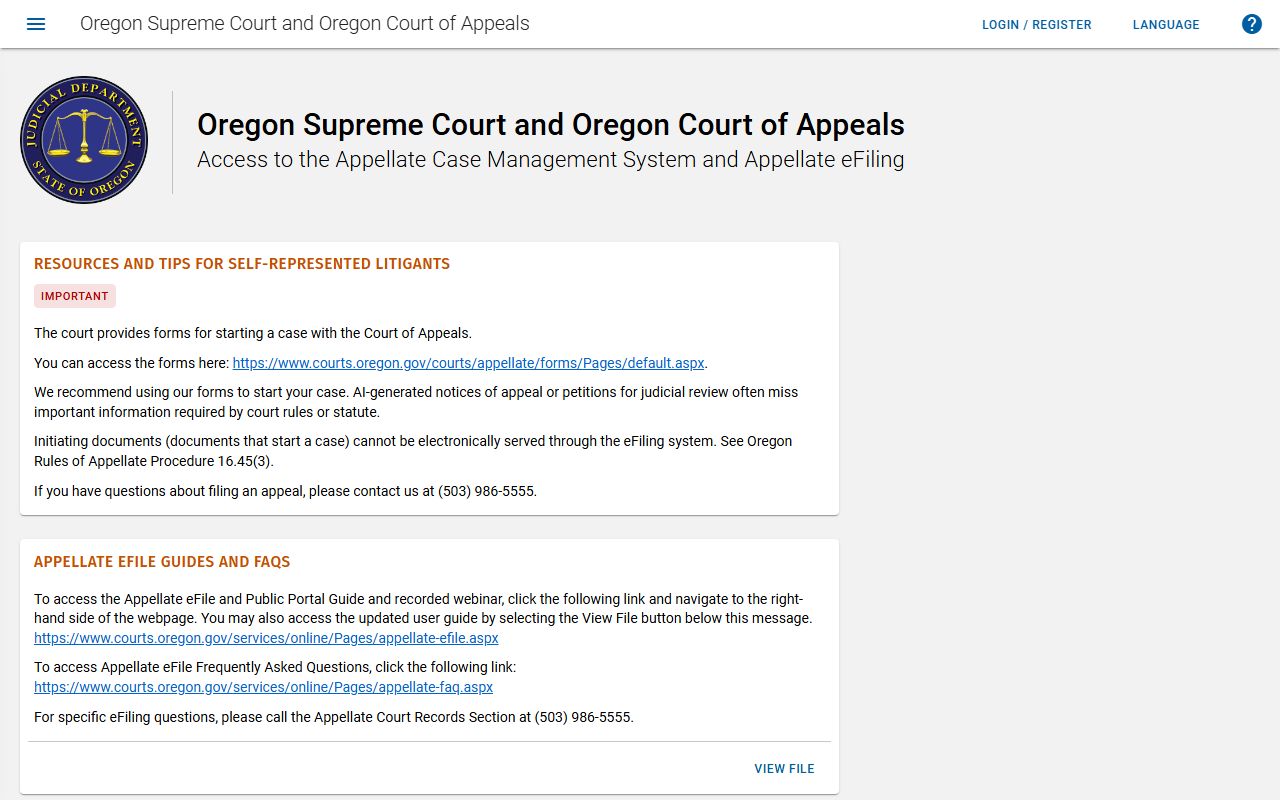
Use that tool when a Washington County case has moved up on appeal rather than staying in the trial court.
Calendar Search Fields for Washington County
The calendar search is built around the hearing schedule, so its fields differ from a case-history search. A court selection and a date drive most queries. A case number or party name narrows the result to one matter. Attorney, judge, and courtroom filters may appear where the system exposes them. The calendar returns hearing dates and locations, not full case documents.
| Field Label | Type | Required | Notes / Format |
|---|---|---|---|
| Court | Dropdown | Yes | Choose Washington County Circuit Court. |
| Date | Date | Yes | Calendar date for scheduled hearings. |
| Case Number | Text | No | Exact case number narrows results. |
| Party Name | Text | No | Name search across the hearing calendar. |
| Attorney / Judge / Courtroom | Text / Dropdown | No | Filters the calendar where exposed. |
Search and Reset buttons run or clear the calendar query.
Sample Washington County Docket Entry
Each line of a register of actions follows a simple pattern. A date sits at the front, then the event type, then a short description, and sometimes the party that filed it. A line can stand for a complaint, a motion, an order, a hearing notice, a judgment, or a payment entry. The wording is brief and uses court shorthand. Some lines link to a document image, while many do not, in which case the file must be requested from the court.
| Field | What It Shows |
|---|---|
| Entry Date | The date the event was filed or recorded by the court. |
| Event Type | The kind of action, such as motion, order, hearing, or judgment. |
| Description | A short note on what the entry is, in court shorthand. |
| Party Filing | The plaintiff, defendant, petitioner, or respondent who filed it. |
| Document Link | A link to the image where the court posts it online. |
The same entry types appear across civil and criminal files, but the labels shift with the case type.
Courts That Publish Dockets in Washington County
Most dockets in the county come from the Washington County Circuit Court, the general trial court for the 20th Judicial District. Its program areas each carry their own caseload and post calendars where the law allows. The civil program handles lawsuits, small claims, and landlord-tenant matters. The family program handles divorce, custody, support, and protective orders. The juvenile program handles dependency and delinquency, which carry strong confidentiality and rarely appear in an open search. Municipal courts in cities such as Hillsboro, Beaverton, and Tigard run their own dockets for city-code and some traffic matters.
The civil program page covers how civil cases are scheduled and heard.
Civil case handling is described on the Washington County civil program page.
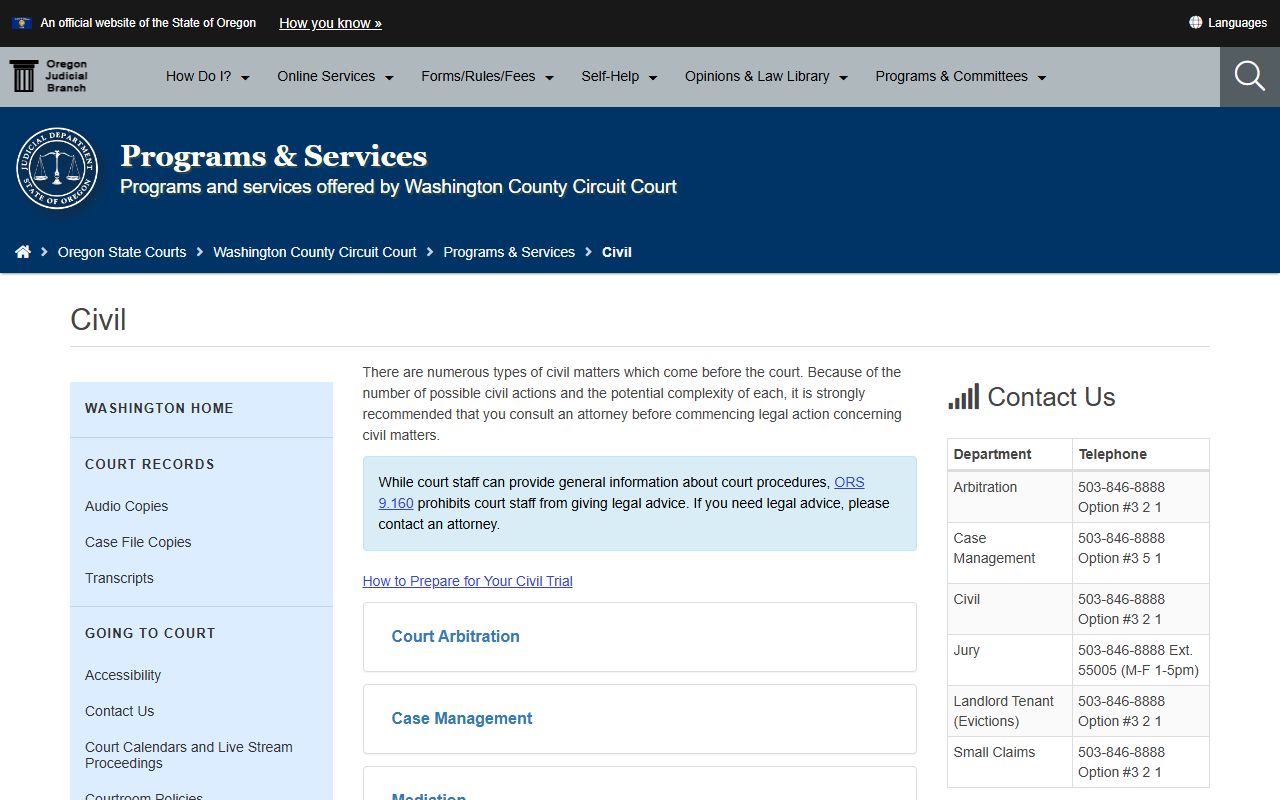
That page is the local reference for civil filings and the docket entries they create.
- Civil program - lawsuits, small claims, evictions, and money judgments.
- Family program - divorce, custody, support, and protective orders.
- Juvenile program - dependency and delinquency, mostly closed to the public.
- Municipal courts - city-code, parking, and some traffic citations.
The family program runs many of the hearings people track most closely.
Family case scheduling is outlined on the Washington County family program page.
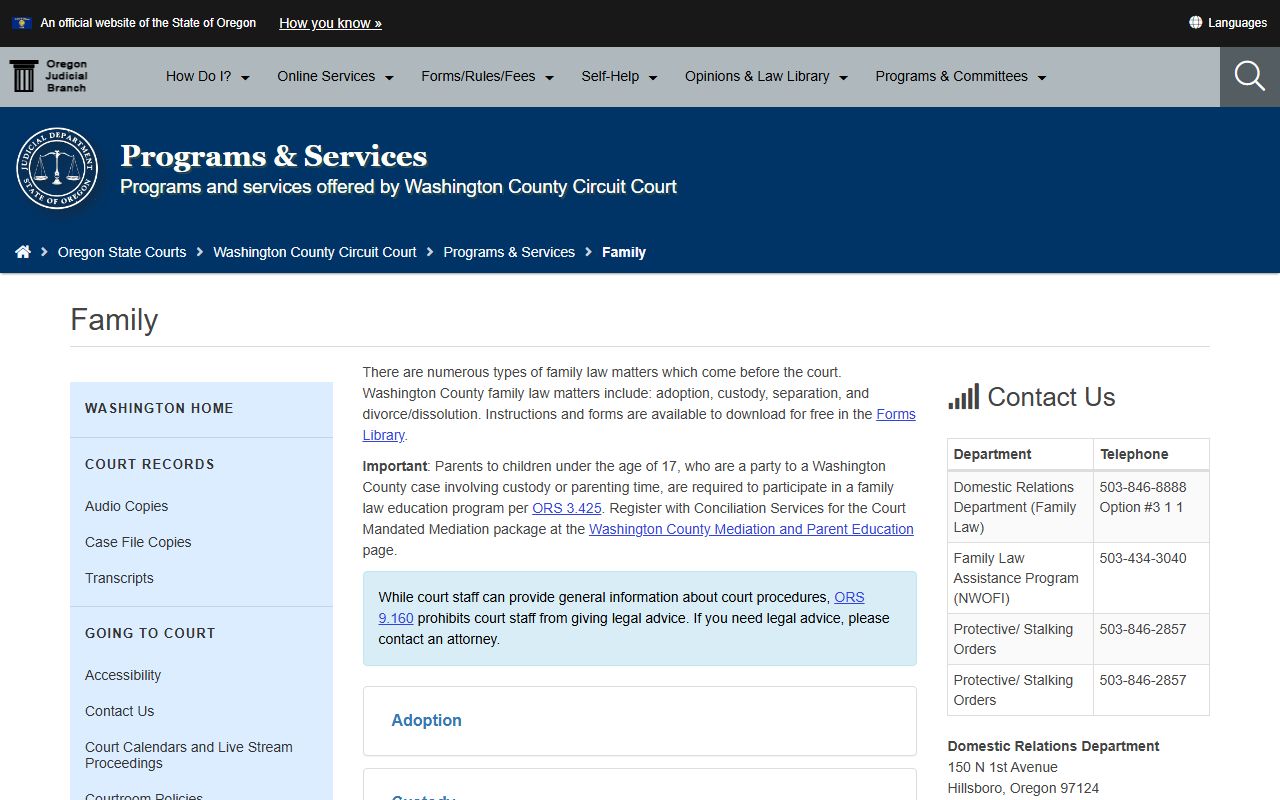
It explains the family-law matters that generate dockets and the Family Law Assistance Program hours.
Docket vs. Full Case Record
The docket and the full case record are not the same thing, and people often confuse them. The docket is the chronological list of events. The full case record holds the actual documents behind those events, including motions, exhibits, orders, and judgments. The docket tells you a motion was filed. The full file shows what the motion said. For many purposes the docket is enough, but legal review or evidence usually needs the full documents.
| Docket | Full Case Record | |
|---|---|---|
| Format | List of dated entries | Full documents and images |
| Access | Often online and free | May require a fee or a court visit |
| Use | Track case progress and dates | Legal review and evidence |
| Source | OJD record and calendar search | Court case-file copy request |
For copies of the full documents behind a docket, the Washington County court records page walks through the request process.
How to Read a Washington County Docket
Docket lines use shorthand that can throw off a first-time reader. A few terms come up again and again across case types. Knowing them makes the register of actions far easier to follow. A charge is only an accusation. A disposition is the outcome. A judgment is the final, enforceable decision. Reading entries in date order keeps the story straight.
- Register of Actions
- The full chronological list of events in a case.
- Motion
- A formal request asking the court for an order.
- Order
- A written direction signed by the judge.
- Disposition
- The outcome of a charge, claim, or full case.
- Continuance
- A postponement of a hearing or deadline.
- Judgment
- The final decision resolving the case or imposing a sentence.
Online docket data can lag behind the courtroom, so a recent filing or hearing may not post right away. The juvenile docket is a special case, since most entries stay closed.
Juvenile scheduling and confidentiality are described on the Washington County juvenile program page.
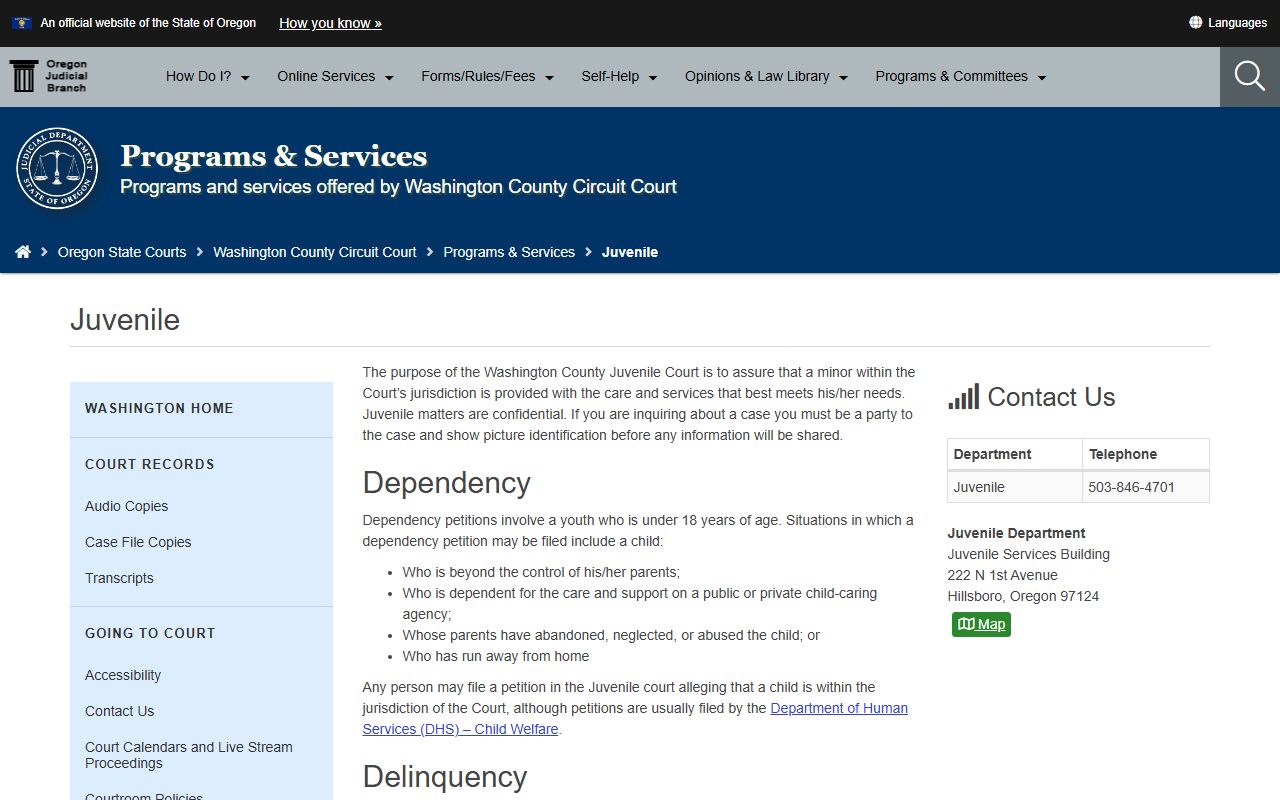
That page reflects why juvenile dockets rarely appear in an open public search.
Note: Confirm any hearing date or docket entry with the Circuit Court before you rely on it, since online data can lag the courtroom.